
Guides / Using Lumit / Layers
Updated
Text
A Text layer holds editable text.
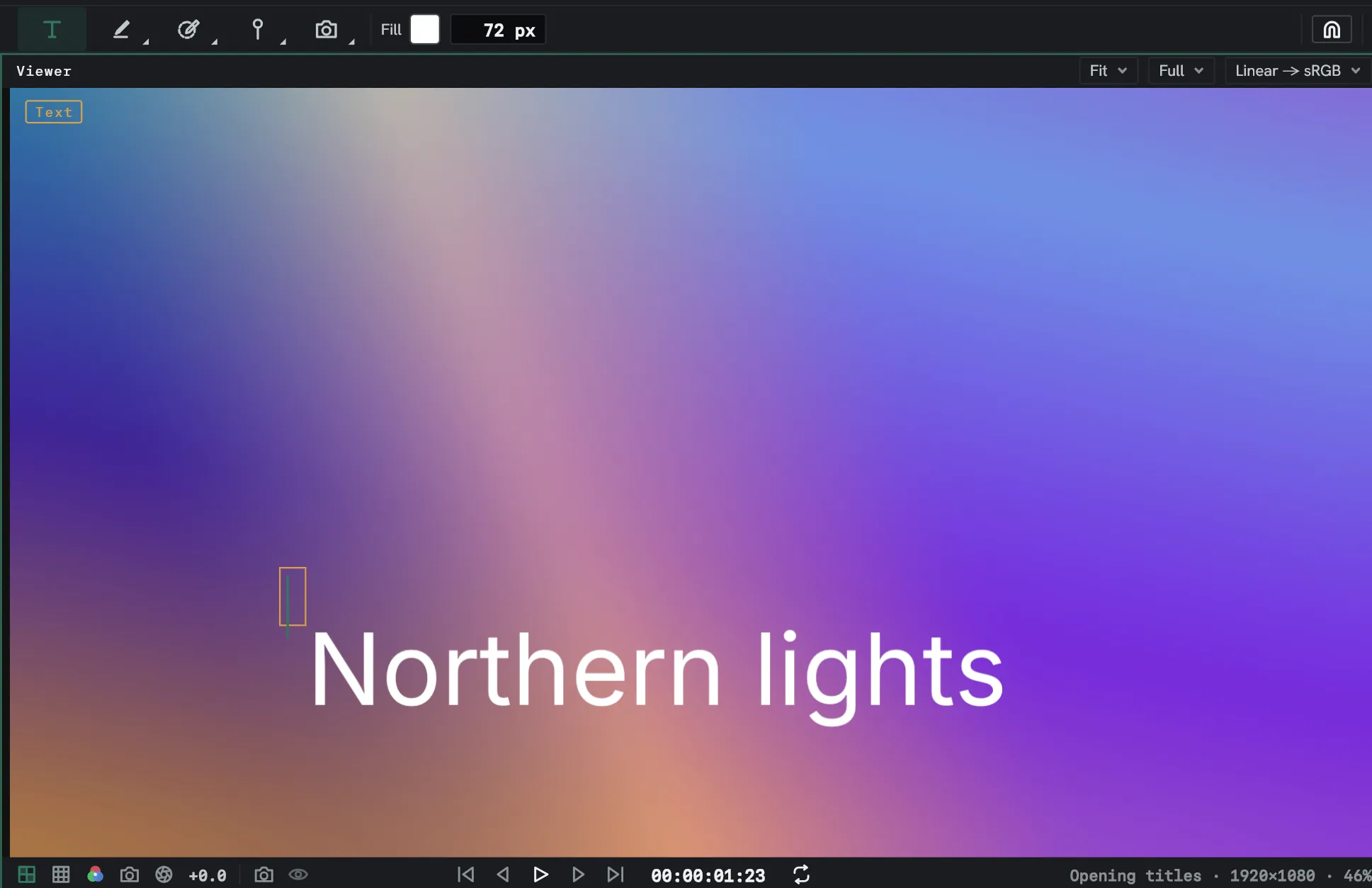
Add text
Section titled “Add text”- Pick the Type tool.
- Click in the Viewer, or drag out a box for the words to wrap to.
- Type.
Shift+Enter starts a new line. Enter, Escape or a click elsewhere ends the edit.
Style it
Section titled “Style it”The Text panel sets the letters of every selected text layer. With no text layer selected it sets what the Type tool makes next, and its heading reads New text.
| Control | What it does |
|---|---|
| Font | The font family, from the fonts installed on this computer, each listed in its own face. Inter (built in) is the one Lumit carries. |
| Style | The face inside the family: Regular, Bold, Italic. |
| Size | The letter size in pixels. |
| Leading | The distance from one baseline to the next, in pixels. |
| Kerning | Metrics uses the pair spacing the font carries, and is what new text starts on. Off uses none. |
| Tracking | Extra space after every letter, in thousandths of the size. |
| Fill | The letters’ colour. Unticked, only the stroke is drawn. |
| Stroke, Width | An outline round the letters, its colour and its width in pixels. |
More shows the rest:
| Control | What it does |
|---|---|
| Vertical scale, Horizontal scale | Stretch the letters, in per cent. |
| Baseline shift | Lift the letters off the line they stand on, in pixels. |
| Fill and stroke | Which is drawn on top. Fill over stroke and Stroke over fill go a letter at a time, so a wide stroke can cover the next letter. All fills over all strokes and All strokes over all fills go across the whole layer. |
| Faux bold, Faux italic | Thicken or slant a font that has no bold or italic of its own. |
| All caps, Small caps | Set every letter as a capital, or the lower-case ones as small capitals. |
| Superscript, Subscript | Set the letters small and raised, or small and lowered. |
| Ligatures | Join pairs such as fi into the font’s combined shape. |
| Auto leading | Keep the leading at 120 % of the size. |
Right-click the tracking, stroke width, scale or baseline shift box for Reset.
A project opened on a computer without the layer’s font draws that layer in Inter. The Font picker shows the missing name with (not installed).
A text layer is a layer, so it also takes effects, masks, and a transform like any other.
Lay out the lines
Section titled “Lay out the lines”The Paragraph panel sets how the lines sit against each other.
| Control | What it does |
|---|---|
| Align left, Align centre, Align right | Which side the lines line up on. That side of the first line stays where it is. |
| Justify | Stretch every line but a paragraph’s last across the box. Needs a box width. |
| Box width | The width the words wrap to, in pixels. At 0 there is no box, and a line only ends where you break it. |
| Indent left, Indent right | Move the lines in from that side, in pixels. |
| Indent first line | Extra indent for the first line of each paragraph. |
| Space before, Space after | Room above and below each paragraph, in pixels. |
Each line you break is a paragraph of its own. In a box the words wrap at spaces, and a word wider than the box runs past it.
Run it along a path
Section titled “Run it along a path”Text can follow one of the layer’s own masks.
- With the text layer selected, draw a path on it with the pen. Leave its mode as None if you only want the curve.
- In the Source section of Effect Controls, set Path to that mask.
Path offset appears beside it and slides the whole line along the curve, in pixels. A closed path wraps; an open one drops the letters that fall off either end.
The mask stays an ordinary mask: drag its points, keyframe it, and the words follow. Deleting it lays the line straight again.
Animators
Section titled “Animators”An animator offsets the letters of a line, and a range selector says which letters it reaches. Add animator, at the foot of the Animators section in Effect Controls, gives you one with every row already there, defaulted to values that change nothing.
| Row | What it does |
|---|---|
| Range start, Range end | Where the stretch of letters begins and ends, as a per cent of the line. |
| Range offset | How far the whole stretch is slid along. |
| Based on | Whether the range counts Characters or Words. |
| Shape | Square — inside the range or not — or Ramp, rising evenly across the range and holding past its end. |
| Position, Rotation, Scale, Opacity | What a letter the range reaches does. |
| Fill offset | Three numbers added to the layer’s fill colour. |
A letter half inside the range gets half the offset. A letter turns about its own middle on the baseline, and everything an animator does happens inside the letter’s own frame.
Several animators on one layer compose: pushes, turns and tints add, scales and opacities multiply.
Convert it
Section titled “Convert it”Layer ▸ Create, also on a layer’s right-click, turns a selected text layer into something else, as a copy directly above it. The original stays a text layer.
- Shapes from text makes a shape layer of the letters’ outlines, taken from the font, one group per letter, and switches the text layer off. Masks and paint do not come across.
- Split into shape layers does the same with one shape layer per letter, each where it sat.
- Points from text makes a copy that emits a stream of points in the shape of the words, through Emit from image.