
Reference / Effects / Generate
Updated
Merge points
Merge points is a Generate effect.
What it does
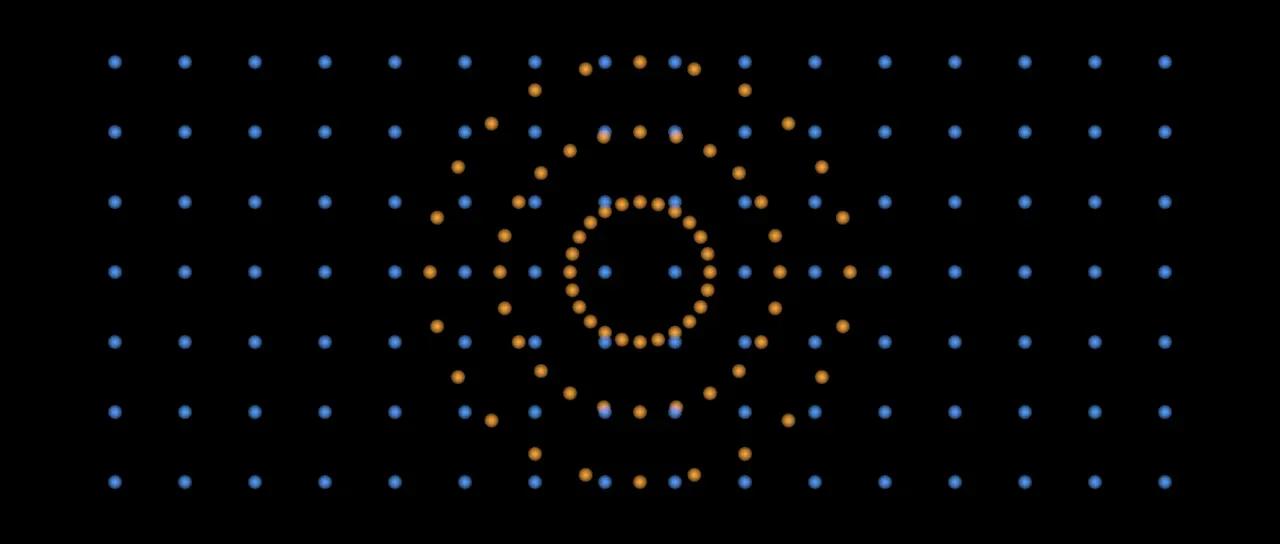
Section titled “What it does”Has four Points sockets, Points, Points B, Points C and Points D, and sends every point wired into them out as one stream. A socket with nothing wired adds nothing.
Added below two producers, it is wired to the nearest on Points and the next one up on Points B. A producer whose points already reach it through the first is skipped.
The points are drawn as discs. No two share an identity, and a Trail below still follows each of them. The merged stream holds at most 1,000,000 points, and past that the newest are kept.
Every point carries the socket it came in on under the name source, 0 for Points to 3
for Points D, whatever the two rows below say. An input that carries a source already
keeps its own apart, and each input’s count on from the one before. See
Names.
A name the inputs hold as different kinds, a number on one and a colour on another, is dropped from the merged stream.
Parameters
Section titled “Parameters”| Parameter | Control | Range | Default | Unit |
|---|---|---|---|---|
| Number by input | Checkbox | On or off | On | - |
| Count nested inputs | Checkbox | On or off | Off | - |
| Feather | Slider | 0 to 100 | 100 | Per cent |
| Mix | Slider | 0 to 100 | 100 | Per cent |
| Blend | Dropdown | Normal · Darken · Multiply · Colour burn · Linear burn · Darker colour · Add · Lighten · Screen · Colour dodge · Lighter colour · Overlay · Soft light · Hard light · Linear light · Vivid light · Pin light · Hard mix · Difference · Exclusion · Subtract · Divide · Hue · Saturation · Colour · Luminosity | Normal | - |
| Matte | Layer | Any layer in the composition | None | - |
| Invert | Checkbox | On or off | Off | - |
| Channel | Dropdown | Luminance · Alpha · Red · Green · Blue | Luminance | - |
In the Effect Controls panel:
- Point groups Feather.
- Count nested inputs is editable while Number by input is on.
- Matte is an input to an effect, scaling the strength. Invert inverts the mattes for calculating strength.
What each control does
Section titled “What each control does”- Number by input: sets the number each point carries to the socket it came in on, 0 for Points to 3 for Points D. Off, each point keeps the number it came with.
- Count nested inputs: an input whose points already carry different numbers keeps them apart, and each input’s numbers count on from the input before. A merge of an already merged pair and a third stream numbers them 0, 1 and 2.
- Feather: how soft the edge of a drawn disc is.
- Mix: how much of the drawing lands on the picture. At nought the points are still handed on.
- Matte and Invert drive the strength of the effect from another layer’s brightness. See Effects.