
Reference / Effects / Colour
Updated
Hue shift
Hue shift is a Colour effect.

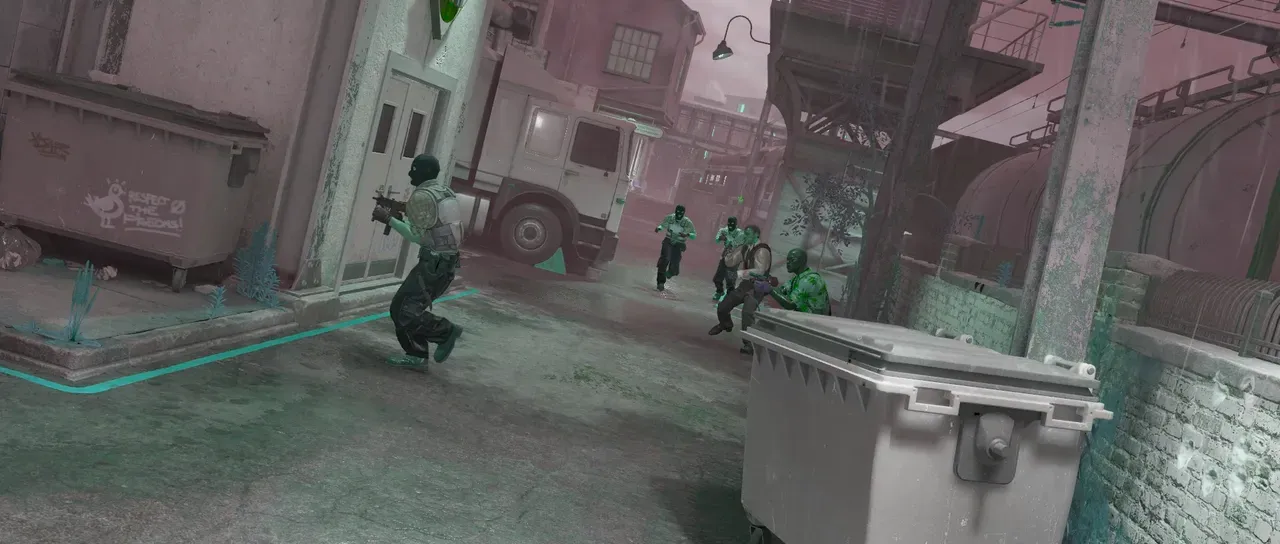
What it does
Section titled “What it does”Similar to Hue and saturation, but only provides options to adjust the hue of the entire input.
Parameters
Section titled “Parameters”| Parameter | Control | Range | Default | Unit |
|---|---|---|---|---|
| Angle | Dial | Any angle; snaps every 15° while a modifier is held | 0° | Degrees |
| Preserve luminance | Checkbox | On or off | On | - |
| Mix | Slider | 0 to 100 | 100 | Per cent |
| Blend | Dropdown | Normal · Darken · Multiply · Colour burn · Linear burn · Darker colour · Add · Lighten · Screen · Colour dodge · Lighter colour · Overlay · Soft light · Hard light · Linear light · Vivid light · Pin light · Hard mix · Difference · Exclusion · Subtract · Divide · Hue · Saturation · Colour · Luminosity | Normal | - |
| Matte | Layer | Any layer in the composition | None | - |
| Invert | Checkbox | On or off | Off | - |
| Channel | Dropdown | Luminance · Alpha · Red · Green · Blue | Luminance | - |
In the Effect Controls panel:
- Matte scales Angle toward 0 per pixel: white turns the hue by the full Angle, grey part of the way, black not at all. Invert reads that matte inverted.
What each control does
Section titled “What each control does”- Angle is how far round the hue wheel to rotate colours.
- Preserve luminance toggles whether brightness is held as the hue turns. This is based on the perceived brightness of colours and different hues.
- Mix: how much of the result replaces the original.
- Matte and Invert drive the strength of the effect from another layer’s brightness; see Effects.