
Reference / Effects / Generate
Updated
Trail
Trail is a Generate effect.

What it does
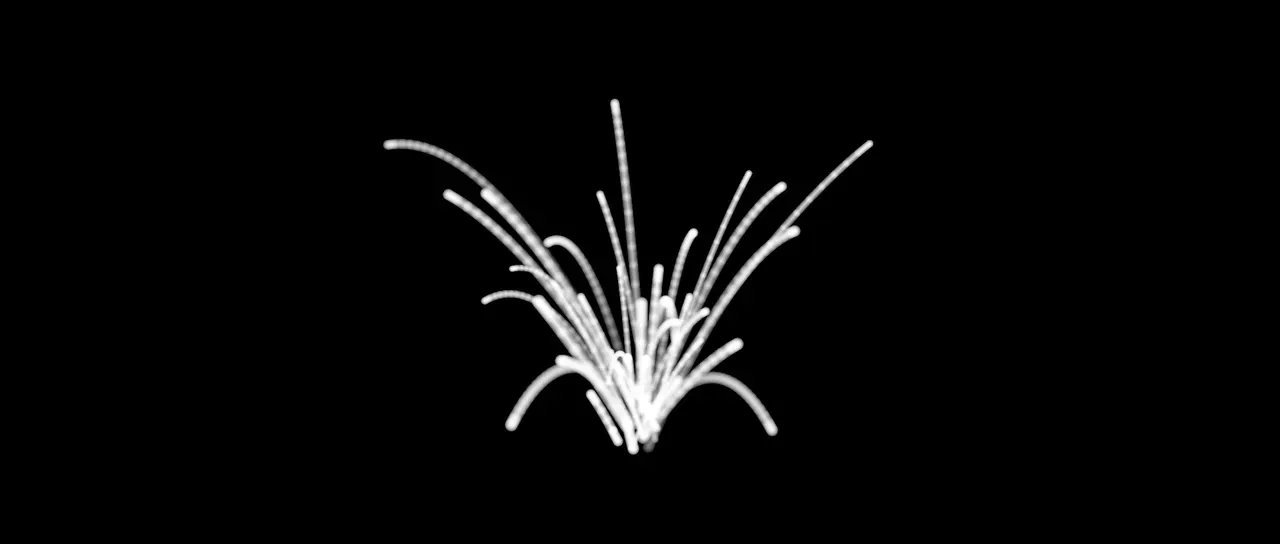
Section titled “What it does”Wire a producer’s Points socket into this effect and every point grows a tail.
Parameters
Section titled “Parameters”| Parameter | Control | Range | Default | Unit |
|---|---|---|---|---|
| Samples | Slider, whole numbers | 1 to 64; up to 256 | 8 | - |
| Spacing | Slider | 0.001 to 1; higher | 0.033 | Seconds |
| Style | Dropdown | Dots · Segments · Smooth | Dots | - |
| Scale | Slider | 0 to 400; higher | 60 | Per cent |
| Feather | Slider | 0 to 100 | 100 | Per cent |
| Fade | Slider | 0 to 100 | 100 | Per cent |
| Fade power | Slider | 0.1 to 4; down to 0.01 and higher | 1 | - |
| Use point colour | Checkbox | On or off | On | - |
| Colour | Colour | Each channel 0 to 4, scene-linear | 1, 1, 1, 1 | - |
| Max trails | Slider, whole numbers | 1 to 200000; up to 1000000 | 2000 | - |
| Mix | Slider | 0 to 100 | 100 | Per cent |
| Blend | Dropdown | Normal · Darken · Multiply · Colour burn · Linear burn · Darker colour · Add · Lighten · Screen · Colour dodge · Lighter colour · Overlay · Soft light · Hard light · Linear light · Vivid light · Pin light · Hard mix · Difference · Exclusion · Subtract · Divide · Hue · Saturation · Colour · Luminosity | Normal | - |
| Matte | Layer | Any layer in the composition | None | - |
| Invert | Checkbox | On or off | Off | - |
| Channel | Dropdown | Luminance · Alpha · Red · Green · Blue | Luminance | - |
In the Effect Controls panel:
- Colour is editable while Use point colour is off.
- Matte is an input to an effect, scaling the strength. Invert inverts the mattes for calculating strength.
What each control does
Section titled “What each control does”- Samples: how many earlier moments are looked at.
- Spacing: how far apart in time those moments are.
- Style: Dots draws one dab per sample. Segments joins each dab to the one before it into a continuous ribbon. Smooth rounds that ribbon’s corners.
- Scale: multiplies each point’s own size.
- Feather: how soft a dab’s edge is.
- Fade: how far the far end of a tail fades out.
- Fade power: how the fade is spread along the tail. 1 fades evenly, more holds the tail solid near the point and drops away late, and less fades it straight away.
- Use point colour: draws each tail in its point’s own colour. Off, every tail takes Colour and keeps only the point’s opacity.
- Colour: the colour of every tail while Use point colour is off.
- Max trails: the most points that may grow a tail.
- Mix: how much of the result replaces the picture underneath.
- Matte and Invert drive the strength of the effect from another layer’s brightness. See Effects.