
Reference / Effects / Colour
Updated
Threshold
Threshold is a Colour effect.

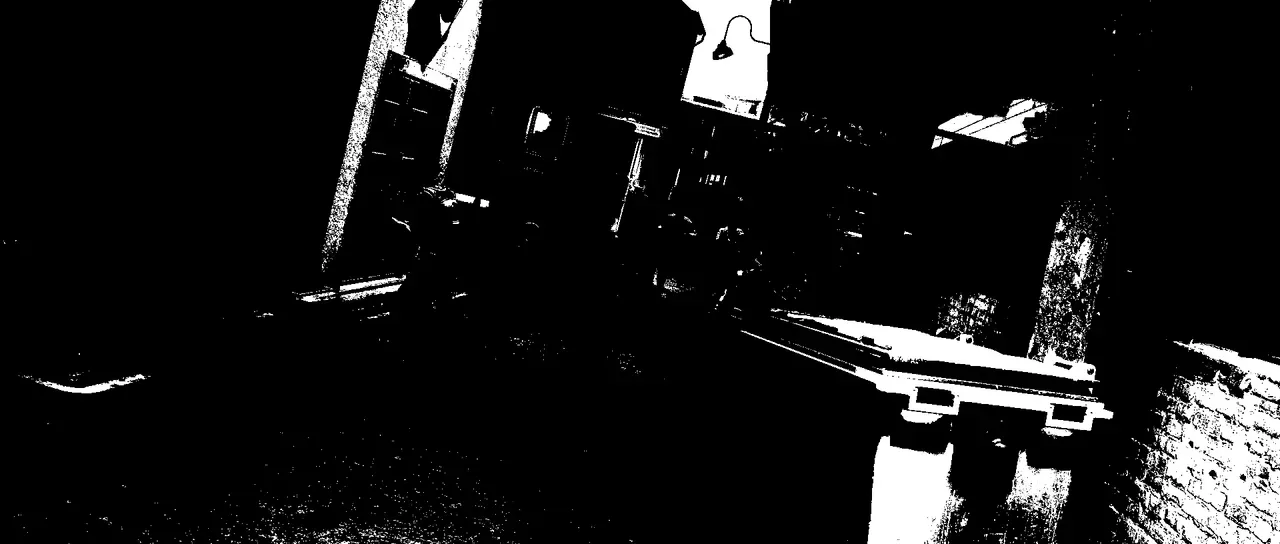
What it does
Section titled “What it does”If a pixel is brighter than the threshold value it becomes white, otherwise it becomes black.
Parameters
Section titled “Parameters”| Parameter | Control | Range | Default | Unit |
|---|---|---|---|---|
| Level | Slider | 0 to 100 | 50 | Per cent |
| Softness | Slider | 0 to 100; higher | 0 | Per cent |
| Mix | Slider | 0 to 100 | 100 | Per cent |
| Blend | Dropdown | Normal · Darken · Multiply · Colour burn · Linear burn · Darker colour · Add · Lighten · Screen · Colour dodge · Lighter colour · Overlay · Soft light · Hard light · Linear light · Vivid light · Pin light · Hard mix · Difference · Exclusion · Subtract · Divide · Hue · Saturation · Colour · Luminosity | Normal | - |
| Matte | Layer | Any layer in the composition | None | - |
| Invert | Checkbox | On or off | Off | - |
| Channel | Dropdown | Luminance · Alpha · Red · Green · Blue | Luminance | - |
In the Effect Controls panel:
- Matte scales Level per pixel: white cuts where you set it, black cuts at 0, so the threshold moves across the frame. Invert reads that matte inverted.
What each control does
Section titled “What each control does”- Level: the cutoff point.
- Softness: how wide the crossing between black and white is.
- Mix: how much of the result replaces the original.
- Matte and Invert drive the strength of the effect from another layer’s brightness; see Effects.