
Reference / Effects / Colour
Updated
Saturation
Saturation is a Colour effect.

What it does
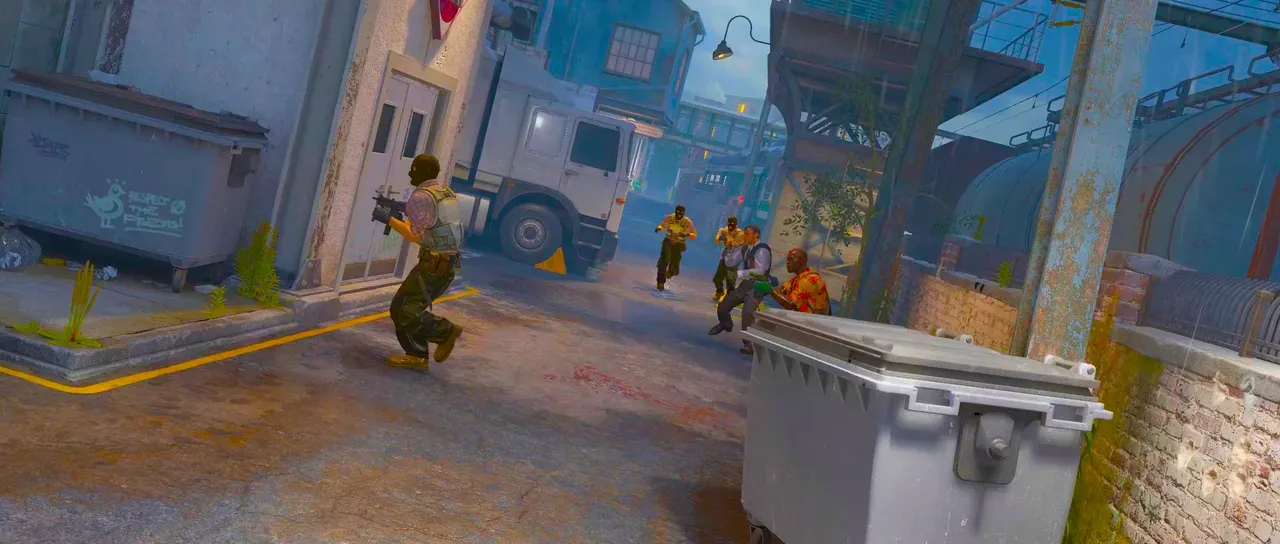
Section titled “What it does”Adjust how colourful the output is. At zero it’s greyscale.
Every pixel’s colourfulness is multiplied by the same amount, regardless of its input saturation.
Parameters
Section titled “Parameters”| Parameter | Control | Range | Default | Unit |
|---|---|---|---|---|
| Saturation | Slider | 0 to 400; higher | 100 | Per cent |
| Mix | Slider | 0 to 100 | 100 | Per cent |
| Blend | Dropdown | Normal · Darken · Multiply · Colour burn · Linear burn · Darker colour · Add · Lighten · Screen · Colour dodge · Lighter colour · Overlay · Soft light · Hard light · Linear light · Vivid light · Pin light · Hard mix · Difference · Exclusion · Subtract · Divide · Hue · Saturation · Colour · Luminosity | Normal | - |
| Matte | Layer | Any layer in the composition | None | - |
| Invert | Checkbox | On or off | Off | - |
| Channel | Dropdown | Luminance · Alpha · Red · Green · Blue | Luminance | - |
In the Effect Controls panel:
- Matte pulls Saturation toward 100 per pixel: white applies the full Saturation, black leaves the colour as it was. Invert reads that matte inverted.
What each control does
Section titled “What each control does”- Saturation: the multiplier on colourfulness, as a percentage.
- Mix: how much of the result replaces the original.
- Matte and Invert drive the strength of the effect from another layer’s brightness; see Effects.