
Reference / Effects / Generate
Updated
Scatter
Scatter is a Generate effect.

What it does
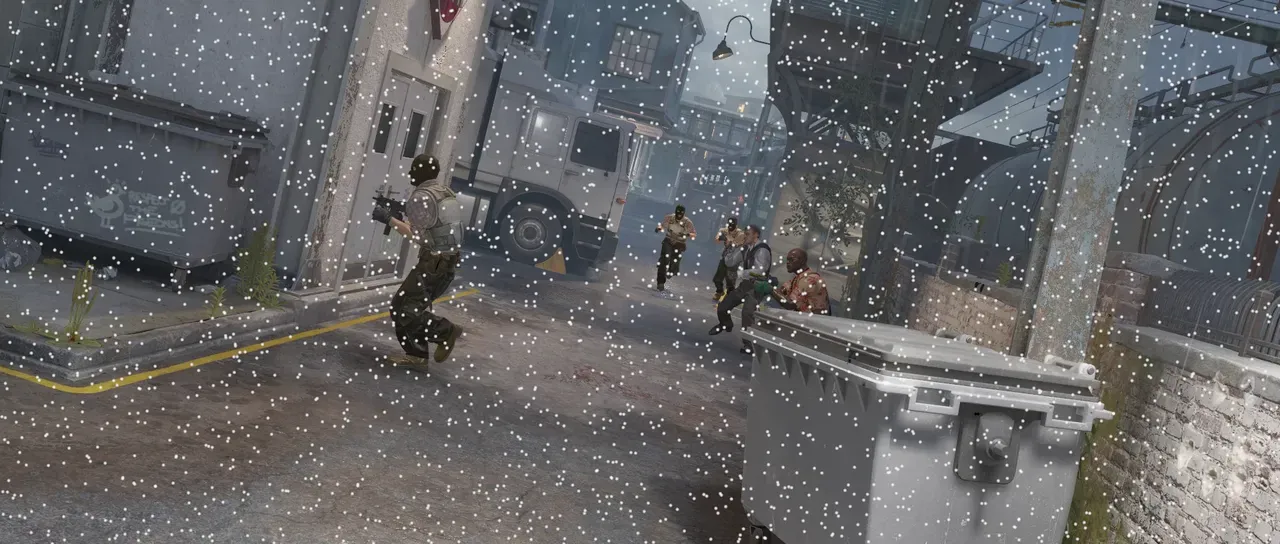
Section titled “What it does”Throws points at random and keeps the ones that land inside the layer.
The points effects below it on the same layer can read its points. Points sample cannot, and neither can Layer points from another layer. A Bake points below it makes its points readable by both.
Parameters
Section titled “Parameters”| Parameter | Control | Range | Default | Unit |
|---|---|---|---|---|
| Density | Slider | 0 to 100; higher | 20 | - |
| Size | Slider | 0 to 200; higher | 6 | Pixels at composition size |
| Feather | Slider | 0 to 100 | 100 | Per cent |
| Colour | Colour | Each channel 0 to 4, scene-linear | 1, 1, 1, 1 | - |
| Max points | Slider, whole numbers | 1 to 200000; up to 1000000 | 20000 | - |
| Seed | Seed | Any whole number | A fresh random seed per instance | - |
| Mix | Slider | 0 to 100 | 100 | Per cent |
| Blend | Dropdown | Normal · Darken · Multiply · Colour burn · Linear burn · Darker colour · Add · Lighten · Screen · Colour dodge · Lighter colour · Overlay · Soft light · Hard light · Linear light · Vivid light · Pin light · Hard mix · Difference · Exclusion · Subtract · Divide · Hue · Saturation · Colour · Luminosity | Normal | - |
| Matte | Layer | Any layer in the composition | None | - |
| Invert | Checkbox | On or off | Off | - |
In the Effect Controls panel:
- Scatter groups Density.
- Point groups Size, Feather, Colour, Max points.
- Matte chooses which layer’s alpha the points land inside, instead of this layer’s own. Invert reads that matte inverted.
What each control does
Section titled “What each control does”- Density: how many points are thrown per hundred-pixel square of the composition.
- Seed: randomises where points are thrown.
- Size: the diameter of the disc a point is drawn as.
- Feather: how soft that disc’s edge is.
- Colour: what the points are drawn in.
- Max points: the most points.
- Mix: how much of the drawing lands on the picture.
- Matte: this is not a strength. It chooses the alpha the points land inside. Points take that layer’s shape instead of this one’s. Invert reads that matte the other way round, which fills everything the shape does not cover.