
Tutorials / Going further
Updated
Working with the node graph
The node graph can make a parameter follow something else in the composition, and let one effect hand its work to another. These are controlled through wires.
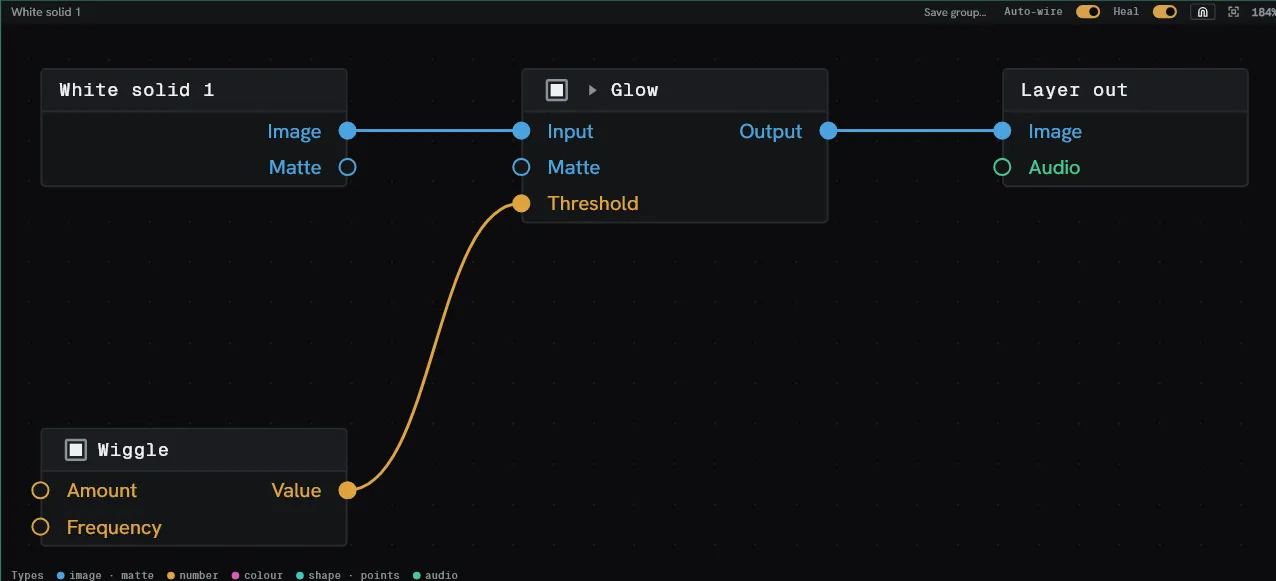
Open the graph from Window ▸ Node graph, or switch to the Nodes workspace. It follows whichever layer is selected in the Timeline.
Make a glow pulse with the music
Section titled “Make a glow pulse with the music”The composition has a music layer and a layer you want to react to it.
1. Put a Glow on the layer. Select the layer and add Effect ▸ Stylise ▸ Glow. It appears in the graph as a box between Source and Layer out.
2. Add the driver. Click empty canvas and press ctrl+spacebar. This brings up the
effect console. Type audio and pick Audio level.
3. Point it at the sound. Pick the sound layer on Audio level’s Audio row. Audio level returns two values — Amplitude, the whole sound, and Low, the bottom end alone.
4. Expose Glow’s parameters. Click the twirl in Glow’s header and a socket appears beside every one of its parameters.
5. Fit the range. Press ctrl+space again and add a Remap.
Drag from Audio level’s Low socket to Remap’s Value socket, then set In high
to about 0.4 and Out low / Out high to the quiet and loud ends of the glow you
want.
6. Wire to output. Drag from Remap’s output to Glow’s Intensity socket. Play the composition back.
The Intensity row in Effect controls now names the driver where its value was. Any keyframes it had are overridden while the wire is there, and come back when it is removed.
Feed one effect’s points into another
Section titled “Feed one effect’s points into another”The points family produces a stream — a set of positions, and another effect reads it.
1. Add the producer. On a layer, add Effect ▸ Generate ▸ Grid. It draws a lattice of soft discs, and can output the same lattice’s points on a Points socket.
2. Add the consumer, below it. Add Effect ▸ Generate ▸ Clone to points. It must sit after Grid in the stack.
3. Wire them. Drag from Grid’s Points socket to Clone to points’ Points socket.
4. Choose what gets cloned. Set Clone layer on the Clone to points row to the layer you want stamped at each point.
5. Hide the lattice. Turn Grid’s Mix down to zero: the stream is still handed out while nothing is drawn.
Connect points, Trail, Scatter and Emit from image feed or read the same socket.