
Reference / Effects / Blur & sharpen
Updated
Sharpen
Sharpen is a Blur & sharpen effect.

What it does
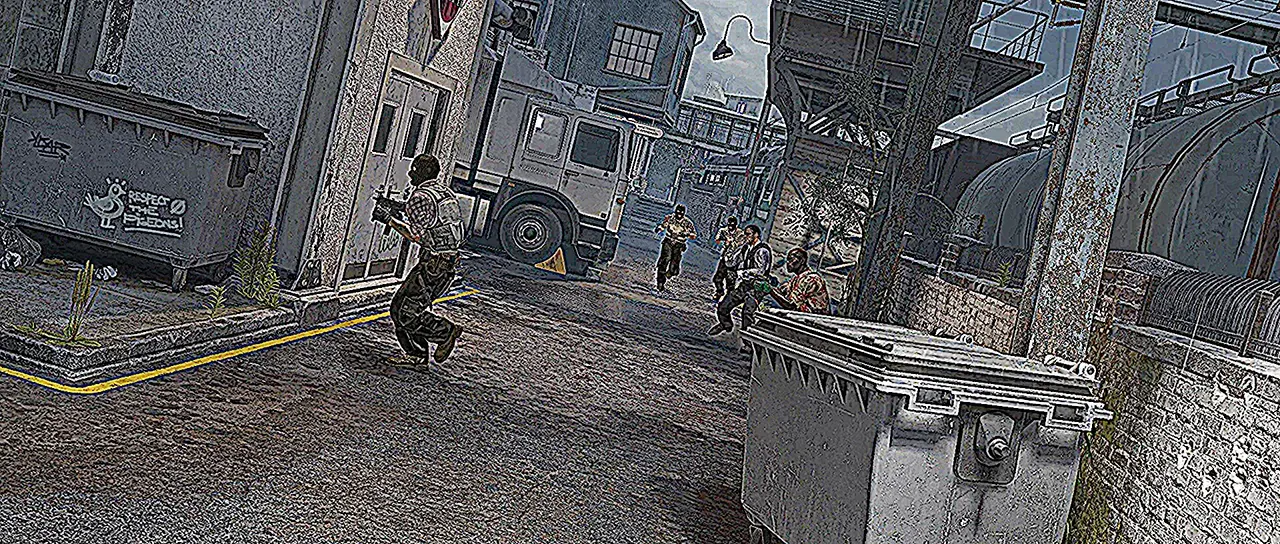
Section titled “What it does”It exaggerates the difference between each pixel and its neighbours, which crisps the image.
Parameters
Section titled “Parameters”| Parameter | Control | Range | Default | Unit |
|---|---|---|---|---|
| Amount | Slider | 0 to 5; higher | 1 | - |
| Radius | Slider | 1 to 8; higher | 1 | - |
| Mix | Slider | 0 to 100 | 100 | Per cent |
| Blend | Dropdown | Normal · Darken · Multiply · Colour burn · Linear burn · Darker colour · Add · Lighten · Screen · Colour dodge · Lighter colour · Overlay · Soft light · Hard light · Linear light · Vivid light · Pin light · Hard mix · Difference · Exclusion · Subtract · Divide · Hue · Saturation · Colour · Luminosity | Normal | - |
| Matte | Layer | Any layer in the composition | None | - |
| Invert | Checkbox | On or off | Off | - |
| Channel | Dropdown | Luminance · Alpha · Red · Green · Blue | Luminance | - |
In the Effect Controls panel:
- Matte scales Amount per pixel: white sharpens by the full Amount, black not at all. Invert reads that matte inverted.
What each control does
Section titled “What each control does”- Amount changes the amount the difference from neighbours is exaggerated.
- Radius is how far out the four neighbours are taken.
- Mix: how much of the result replaces the original.