
Reference / Effects / Generate
Updated
Points field
Points field is a Generate effect.
What it does
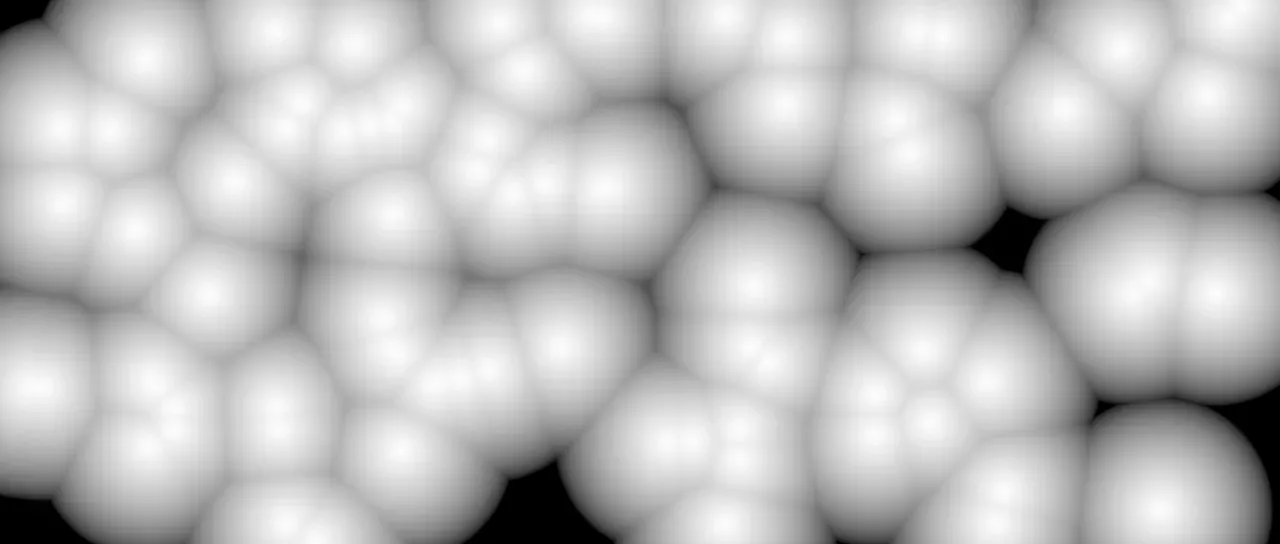
Section titled “What it does”Reads the stream on its Points socket and draws a picture of where the points are. Every pixel finds the point nearest to it on the frame, and Output says what it draws from that point.
Other effects read the picture through their Matte row or a layer row. The Image pattern of Vary points and Pick points reads it the same way.
Parameters
Section titled “Parameters”| Parameter | Control | Range | Default | Unit |
|---|---|---|---|---|
| Output | Dropdown | Distance · Direction · Colour · Number | Distance | - |
| Radius | Slider | 0 to 1000; higher | 100 | Pixels at composition size |
| Limit to radius | Checkbox | On or off | Off | - |
| Invert | Checkbox | On or off | Off | - |
| Number range | Slider | 1 to 1000; down to 0.001 and higher | 100 | - |
| Name | Text | A short line of text | Empty | - |
| Colour name | Text | A short line of text | Empty | - |
| Max points | Slider, whole numbers | 1 to 200000; up to 1000000 | 2000 | - |
| Mix | Slider | 0 to 100 | 100 | Per cent |
| Blend | Dropdown | Normal · Darken · Multiply · Colour burn · Linear burn · Darker colour · Add · Lighten · Screen · Colour dodge · Lighter colour · Overlay · Soft light · Hard light · Linear light · Vivid light · Pin light · Hard mix · Difference · Exclusion · Subtract · Divide · Hue · Saturation · Colour · Luminosity | Normal | - |
| Matte | Layer | Any layer in the composition | None | - |
| Invert | Checkbox | On or off | Off | - |
| Channel | Dropdown | Luminance · Alpha · Red · Green · Blue | Luminance | - |
In the Effect Controls panel:
- Invert is editable while Output is set to Distance.
- Number range is editable while Output is set to Number.
- Name is editable while Output is set to Number.
- Colour name is editable while Output is set to Colour.
- Matte is an input to an effect, scaling the strength. Invert inverts the mattes for calculating strength.
What each control does
Section titled “What each control does”- Output: what each pixel draws from its nearest point. Distance is a grey, 1 at a point and falling to 0 at Radius away. Direction is which way the point lies, written the way Displacement map reads a map: red steers the sideways push, green the up-and-down one, and mid-grey is no push. Colour is the point’s own colour. Number is the number the point carries, as a grey.
- Radius: how far from a point Distance takes to fall to 0, measured on the frame.
- Limit to radius: leaves Colour and Number transparent further than Radius from every point. Off fills the frame, each point owning the pixels nearest it.
- Invert: turns Distance over, 0 at a point and rising to 1 at Radius away.
- Number range: the number that draws as white when Output is Number.
- Name: which of a point’s numbers Number draws. Left empty, it is the number the point carries. See Names.
- Colour name: the name Colour draws, where the points carry a colour under one. A number or an offset under the name draws as a grey. Left empty, it is the point’s own colour.
- Max points: the most points the field is made from. A longer stream is trimmed to its newest.
- Mix: how much of the result replaces the picture underneath.
- Matte and its Invert drive the strength of the effect from another layer’s brightness. See Effects.