
Reference / Effects / Generate
Updated
Bake points
Bake points is a Generate effect.
What it does
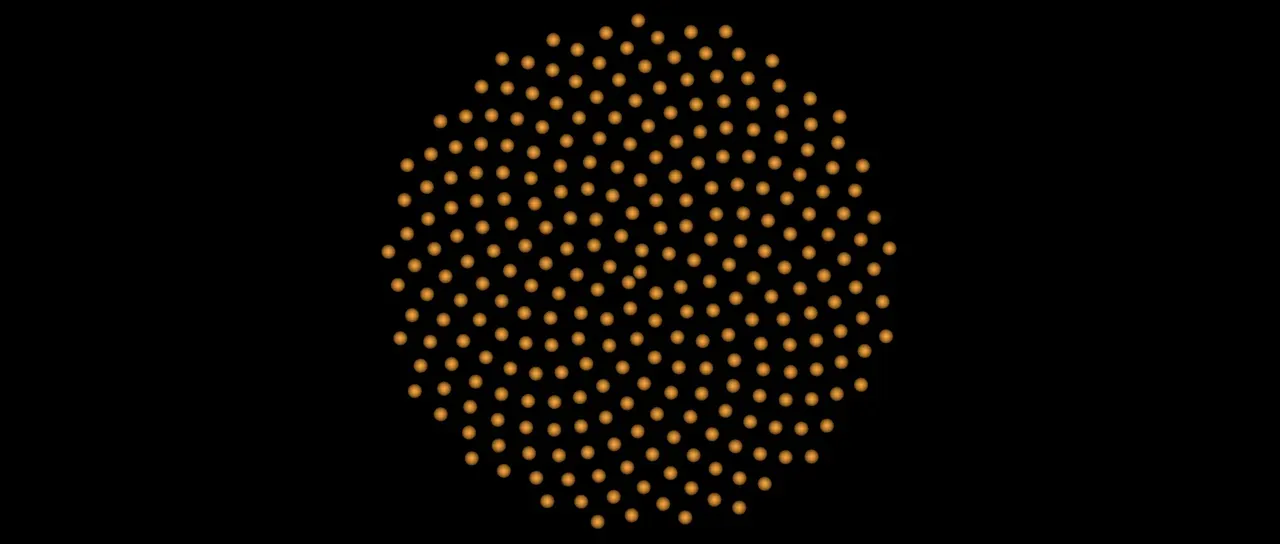
Section titled “What it does”Reads the stream on its Points socket and hands it on from its own Points socket, drawn as discs. Press Bake and the stream is written to disk for every frame of the layer. Mode says which is handed on afterwards, the baked stream or the live one.
A baked stream can be read anywhere a stream can. Points sample and Layer points read it even where they cannot read the live one: the points of Scatter, Emit from image and Text to points, and those of a Vary points or Pick points that reads a picture.
A bake records what it was made from: the effects above it on the layer and their keyframes, the wires and drivers that feed them, the layer’s masks, its text or its source, every layer those effects name, and the composition’s size, frame rate and length. After a change to any of these the bake is stale, and Auto hands on the live stream until it is baked again. Moving the layer keeps a bake.
The bake is kept in Lumit’s cache on this machine and not in the project file. On another machine it has to be baked again.
Parameters
Section titled “Parameters”| Parameter | Control | Range | Default | Unit |
|---|---|---|---|---|
| Mode | Dropdown | Auto · Read · Bypass | Auto | - |
| Bake | Button | - | - | - |
| Cancel | Button | - | - | - |
| Feather | Slider | 0 to 100 | 100 | Per cent |
| Mix | Slider | 0 to 100 | 100 | Per cent |
| Blend | Dropdown | Normal · Darken · Multiply · Colour burn · Linear burn · Darker colour · Add · Lighten · Screen · Colour dodge · Lighter colour · Overlay · Soft light · Hard light · Linear light · Vivid light · Pin light · Hard mix · Difference · Exclusion · Subtract · Divide · Hue · Saturation · Colour · Luminosity | Normal | - |
| Matte | Layer | Any layer in the composition | None | - |
| Invert | Checkbox | On or off | Off | - |
| Channel | Dropdown | Luminance · Alpha · Red · Green · Blue | Luminance | - |
In the Effect Controls panel:
- Point groups Feather.
- Matte is an input to an effect, scaling the strength. Invert inverts the mattes for calculating strength.
What each control does
Section titled “What each control does”- Mode: which stream is handed on. Auto is the bake while it matches what it was made from, and the live stream otherwise. Read is the bake whatever has changed since, and no points on a frame that is not baked. Bypass is always the live stream.
- Bake: write the stream to disk for every frame of the layer. It replaces the bake before.
- Cancel: stop a bake that is running. The bake before it is kept.
- Feather: how soft the edge of a drawn disc is.
- Mix: how much of the drawing lands on the picture. At nought the points are still handed on.
- Matte and Invert drive the strength of the effect from another layer’s brightness. See Effects.