
Reference / Effects / Distortion
Updated
Corner pin
Corner pin is a Distortion effect.

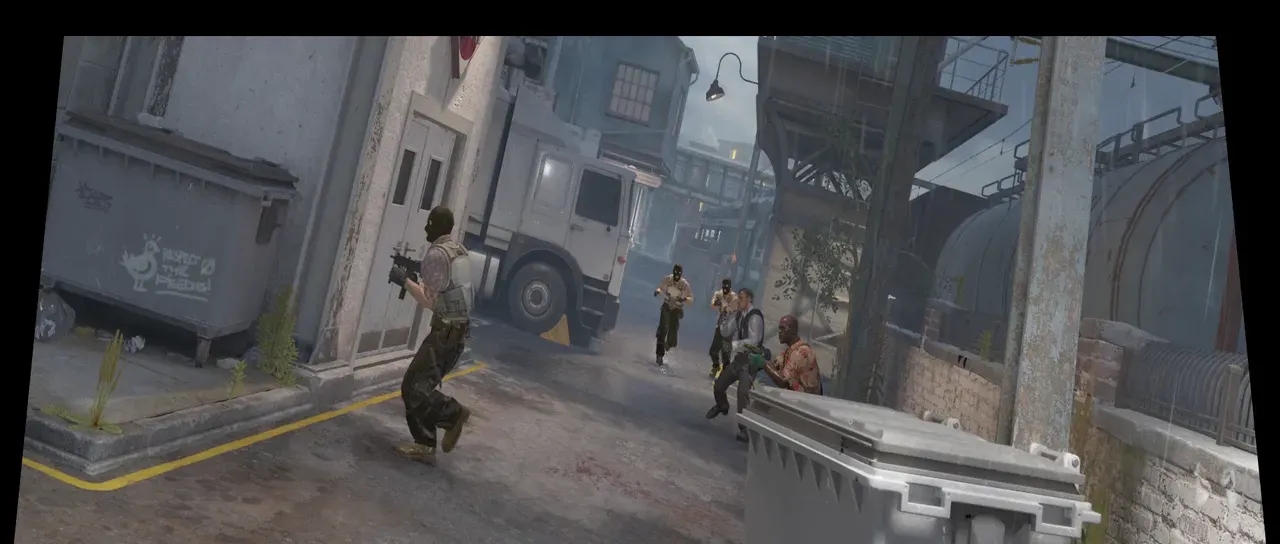
What it does
Section titled “What it does”Drag the four corners of the layer to the four corners set in the effect, warping the layer to retain straight edges between the points.
Parameters
Section titled “Parameters”| Parameter | Control | Range | Default | Unit |
|---|---|---|---|---|
| Upper left x | Slider | -1920 to 3840; any value by typing | 96 | Pixels at composition size |
| Upper left y | Slider | -1080 to 2160; any value by typing | 54 | Pixels at composition size |
| Upper right x | Slider | -1920 to 3840; any value by typing | 1824 | Pixels at composition size |
| Upper right y | Slider | -1080 to 2160; any value by typing | 54 | Pixels at composition size |
| Lower left x | Slider | -1920 to 3840; any value by typing | 0 | Pixels at composition size |
| Lower left y | Slider | -1080 to 2160; any value by typing | 1026 | Pixels at composition size |
| Lower right x | Slider | -1920 to 3840; any value by typing | 1920 | Pixels at composition size |
| Lower right y | Slider | -1080 to 2160; any value by typing | 1026 | Pixels at composition size |
| Edges | Dropdown | Transparent · Repeat · Mirror | Transparent | - |
| Mix | Slider | 0 to 100 | 100 | Per cent |
| Blend | Dropdown | Normal · Darken · Multiply · Colour burn · Linear burn · Darker colour · Add · Lighten · Screen · Colour dodge · Lighter colour · Overlay · Soft light · Hard light · Linear light · Vivid light · Pin light · Hard mix · Difference · Exclusion · Subtract · Divide · Hue · Saturation · Colour · Luminosity | Normal | - |
| Matte | Layer | Any layer in the composition | None | - |
| Invert | Checkbox | On or off | Off | - |
| Channel | Dropdown | Luminance · Alpha · Red · Green · Blue | Luminance | - |
In the Effect Controls panel:
- Matte scales the pull from the frame’s own corners per pixel, read where the pixel lands: white moves it all the way to the pinned position, grey part way, black leaves it where it was. Invert reads that matte inverted.
What each control does
Section titled “What each control does”- Upper left, Upper right, Lower left, Lower right set the position of the four corners.
- Edges decides what fills the area a corner has been dragged away from. Transparent leaves it empty. Repeat smears the border pixel outward and Mirror reflects the picture back.
- Mix: how much of the result replaces the original.
- Matte and Invert drive the strength of the effect from another layer’s brightness; see Effects.