
Guides / Using Lumit / Effects
Updated
Effect presets
A preset is a saved configuration of one or more effects and their parameters. Keyframes are also saved along with the rest of the effect.
The .lumfx file
Section titled “The .lumfx file”A preset is saved as a .lumfx file. The Windows and macOS installers register the extension,
so double-clicking one opens Lumit.
A preset that uses effects your copy of Lumit doesn’t have will still load. Unknown effects come in as placeholders with their parameters preserved, so if you later install the effect, it will begin to work.
Save a preset
Section titled “Save a preset”- Select the layer whose effect(s) you want to keep.
- In the Effects & presets panel, choose Save preset….
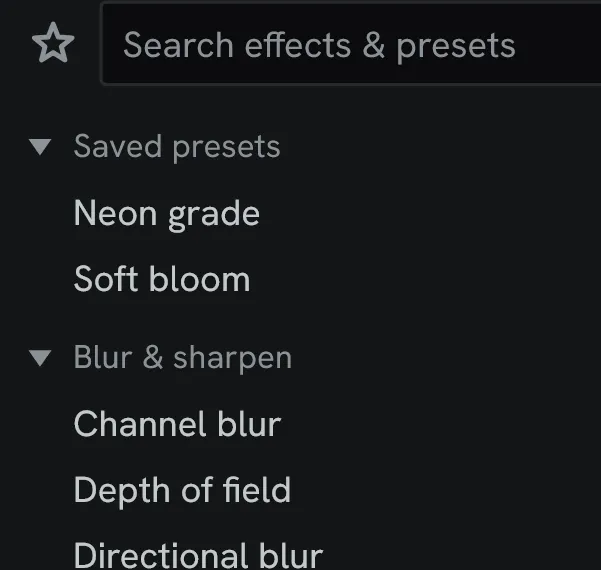
- Name the file. The save dialogue defaults to the preset library folder, and a folder inside it is a group.
To save one effect alone, right-click its heading in Effect controls and choose Save preset….
Apply a preset
Section titled “Apply a preset”- Double-click a preset under Saved presets at the top of the Effects & presets panel. Its whole stack is applied to the selected layer, or to the clip selected in the Cut timeline.
- Or drag it onto a layer in the Timeline, onto Effect controls, or onto a clip in the Cut timeline.
- Or choose Load preset… to apply a
.lumfxfile from anywhere on disk.