
Reference / Effects / Temporal
Updated
Motion blur
Motion blur is a Temporal effect.

What it does
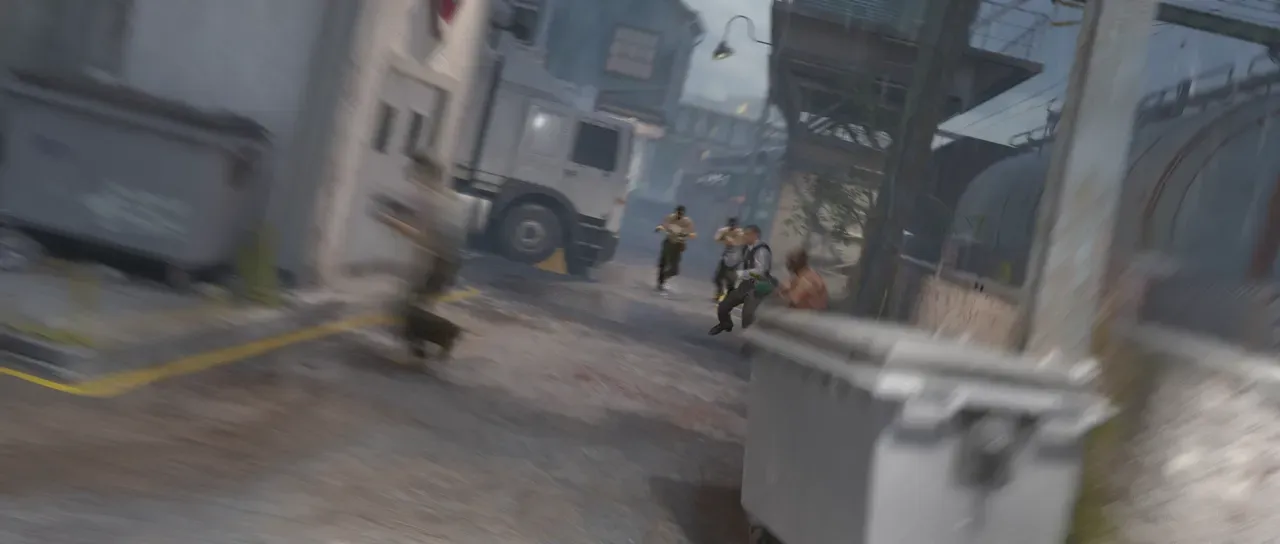
Section titled “What it does”This effect measures where every pixel moved between one frame and the next, and smears each one along its own path.
Parameters
Section titled “Parameters”| Parameter | Control | Range | Default | Unit |
|---|---|---|---|---|
| Shutter angle | Slider | 0 to 720 | 180 | Degrees |
| Samples | Slider | 8 to 32; down to 2 and up to 64 | 16 | - |
| Quality | Dropdown | Normal · High | Normal | - |
| Motion vectors | Layer | Any layer in the composition | None | - |
| Vector scale | Slider | 0 to 200; up to 4000 | 32 | Pixels at composition size |
| View | Dropdown | Rendered · Motion vectors · Confidence · Dominant motion | Rendered | - |
| Mix | Slider | 0 to 100 | 100 | Per cent |
| Blend | Dropdown | Normal · Darken · Multiply · Colour burn · Linear burn · Darker colour · Add · Lighten · Screen · Colour dodge · Lighter colour · Overlay · Soft light · Hard light · Linear light · Vivid light · Pin light · Hard mix · Difference · Exclusion · Subtract · Divide · Hue · Saturation · Colour · Luminosity | Normal | - |
| Matte | Layer | Any layer in the composition | None | - |
| Invert | Checkbox | On or off | Off | - |
| Channel | Dropdown | Luminance · Alpha · Red · Green · Blue | Luminance | - |
In the Effect Controls panel:
- Vector scale is editable while Motion vectors names a layer.
- Matte scales Shutter angle per pixel: the streak is genuinely shorter where the matte is dark, gathering from nearer along the motion, rather than a long streak faded back over a sharp picture. Invert reads that matte inverted.
What each control does
Section titled “What each control does”- Shutter angle sets how long the imaginary shutter is open.
- Samples is a maximum on the number of samples the blur combines.
- Quality: increasing gives higher quality blur, for increased render time.
- View is a diagnostic display. Motion vectors show measured movement as colour. Confidence shows where the measurement is likely correct in white, and Dominant motion shows the neighbourhood motion an uncertain pixel borrows. In a node graph each view is also an output socket on the box.
- Mix: how much of the result replaces the original.
- Matte and Invert drive the strength of the effect from another layer’s brightness; see Effects.