
Guides / Using Lumit / Layers
Updated
Mattes
A layer’s matte uses another layer to gate it. Choose the matte layer from a dropdown on the layer that should be gated.
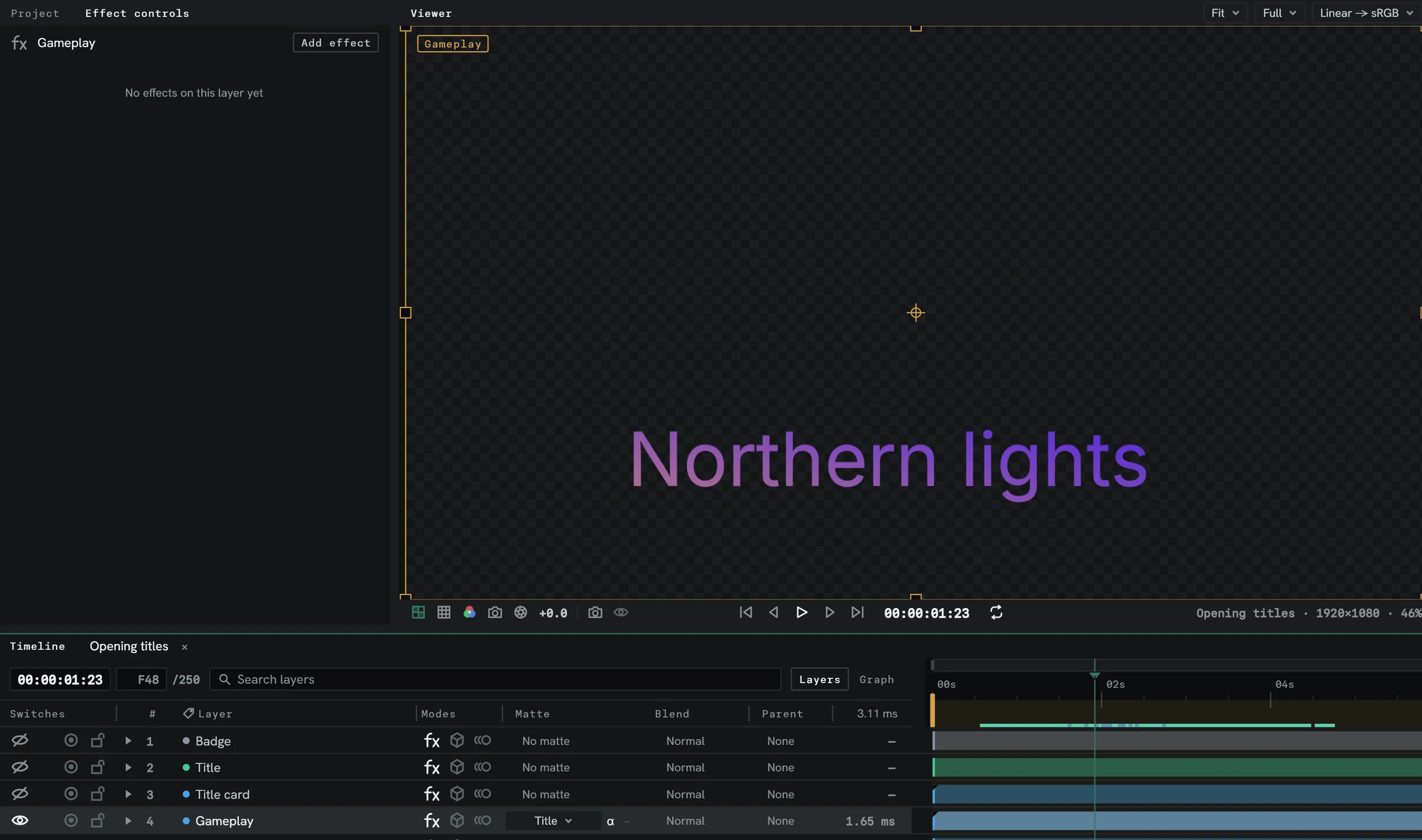
Alpha or luma
Section titled “Alpha or luma”| Kind | Gates by |
|---|---|
| Alpha matte | The matte layer’s transparency. |
| Luma matte | The matte layer’s luminance. |
Both can be inverted.
Pick any layer
Section titled “Pick any layer”Any layer can be chosen as a matte. It does not have to sit directly above the layer it gates. You can also use a single layer as a matte for as many layers as you need.
A matte follows the matte layer’s parents. With a region of interest set in the Viewer, the matte covers the same window as the layer it gates.
Matte or mask?
Section titled “Matte or mask?”- Use a mask when you can draw the shape, normally best when trying to isolate a subject from the background it’s on.
- Use a matte when the shape comes from an image, text, or shape that can change or needs applying to multiple layers.