
Guides / Using Lumit / Animation
Updated
Keyframes
A keyframe anchors a value to a time. Lumit works out the values in between.
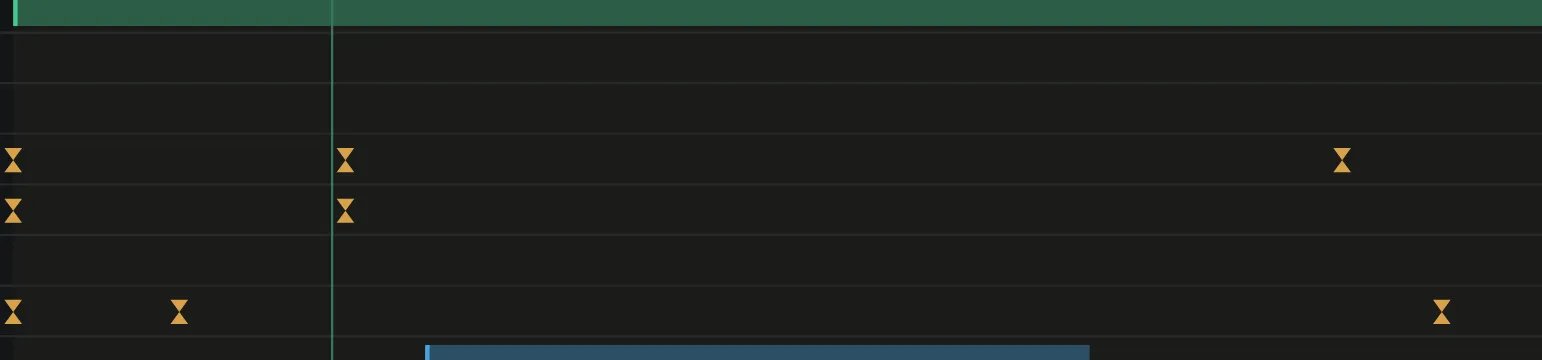
Animate a property
Section titled “Animate a property”- Move the playhead to where the animation starts.
- Turn on the stopwatch beside the property.
- Move the playhead to where you’d like a new keyframe.
- Change the value.
Whenever a keyframed property’s value is altered by you, it creates a new keyframe at the current playhead position. When editing a frame that currently has a keyframe it will update that keyframe’s value instead.
Turn the stopwatch off to remove every keyframe on that property.
Alt+K adds a keyframe at the playhead to every selected property row, or removes the one
already there. Alt+Shift+P, S, R, T and A do the same to Position, Scale,
Rotation, Opacity and Anchor point on the selected layers.
Move and delete
Section titled “Move and delete”- Drag a keyframe along the layer’s row to move it in time.
- Select several and drag them together.
- Hold
Ctrl+Alt(Cmd+Optionon macOS,Ctrl+Shifton Linux) to stagger them instead. Each layer’s keyframes move by their share, in the order the Stagger panel sets. Keyframes on one layer stagger by property. - Press delete to remove the selected keyframes.
, and . move the playhead to the previous and the next keyframe on the selected layers,
or on every layer when none is selected.
Pasted keyframes start at the playhead. With layers selected and no property rows, each layer takes them on its own matching property. Masks and shape items are matched by name, then by position; effects by kind. A layer lacking the effect gets a copy of it, and anything else a layer lacks is skipped. The paste is one undo step.
Right-click a keyframe in the Timeline’s lanes for Linear, Easy ease, Hold, Ease…, Copy ease, Paste ease and Delete key. On a selected keyframe the menu acts on the whole selection.
Interpolation
Section titled “Interpolation”Each side of a keyframe has its own interpolation:
| Type | Result |
|---|---|
| Hold | The value does not change until the next keyframe. |
| Linear | A straight line to the next value. |
| Bezier | A curve you can alter. |
A bezier keyframe carries speed and influence. Speed is the rate of change in units per second. Influence is how far the handle reaches, as a percentage.
Copy ease and Paste ease, on a keyframe’s right-click menu and in the Ease box, copy the easing of the selected keyframes onto others. Values and times stay.
The Animation menu sets these on the keyframes under the playhead, on the selected property rows.
| Command | Shortcut |
|---|---|
| Toggle hold keyframe | Ctrl+Alt+H |
| Keyframe interpolation… | Ctrl+Alt+K |
| Keyframe speed… | Ctrl+Shift+K |