
Reference / Effects / Transition
Updated
Venetian blinds
Venetian blinds is a Transition effect.

What it does
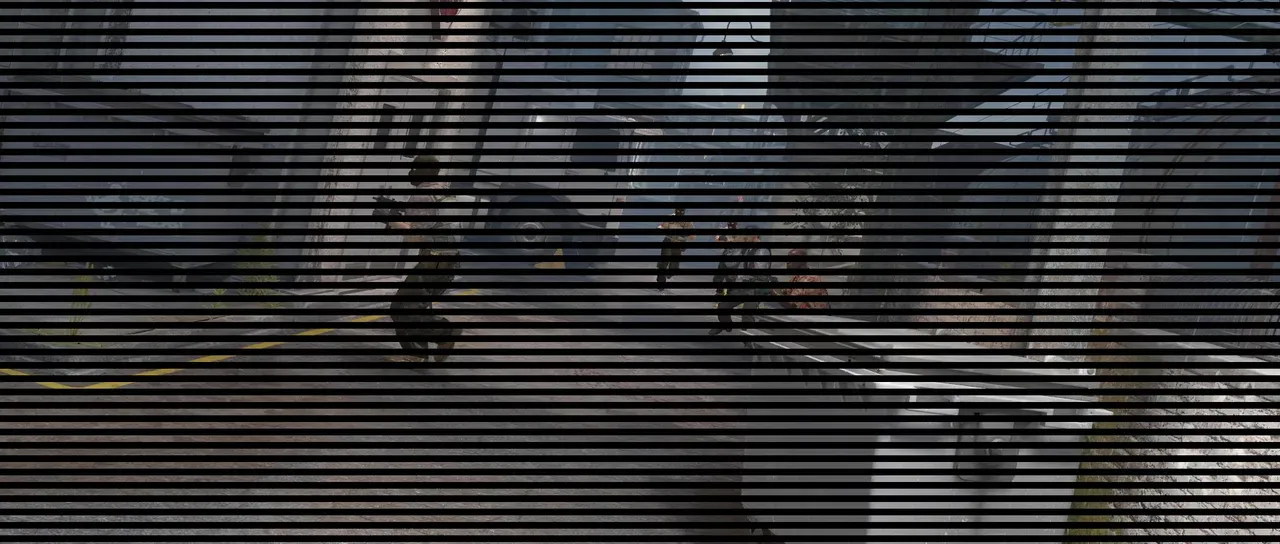
Section titled “What it does”The frame is cut into slats of equal width and every slat begins wiping at the same moment.
Parameters
Section titled “Parameters”| Parameter | Control | Range | Default | Unit |
|---|---|---|---|---|
| Completion | Slider | 0 to 100 | 50 | Per cent |
| Direction | Dial | Any angle; snaps every 15° while a modifier is held | 0° | Degrees |
| Width | Slider | 1 to 500; higher | 20 | Pixels at composition size |
| Feather | Slider | 0 to 500; higher | 0 | Pixels at composition size |
| Mix | Slider | 0 to 100 | 100 | Per cent |
| Blend | Dropdown | Normal · Darken · Multiply · Colour burn · Linear burn · Darker colour · Add · Lighten · Screen · Colour dodge · Lighter colour · Overlay · Soft light · Hard light · Linear light · Vivid light · Pin light · Hard mix · Difference · Exclusion · Subtract · Divide · Hue · Saturation · Colour · Luminosity | Normal | - |
| Matte | Layer | Any layer in the composition | None | - |
| Invert | Checkbox | On or off | Off | - |
| Channel | Dropdown | Luminance · Alpha · Red · Green · Blue | Luminance | - |
In the Effect Controls panel:
- Matte scales Completion per pixel: the slats stand further open where the matte is bright, so one part of the frame can be shut while another is wide open. Invert reads that matte inverted.
What each control does
Section titled “What each control does”- Completion is how far the slats have closed, as a percentage.
- Direction sets the direction the slats run.
- Width is how wide one slat is.
- Feather softens each slat’s edges.
- Mix: how much of the result replaces the original.
- Matte and Invert drive the strength of the effect from another layer’s brightness; see Effects.