
Reference / Effects / Temporal
Updated
Accumulation motion blur
Accumulation motion blur is a Temporal effect.

What it does
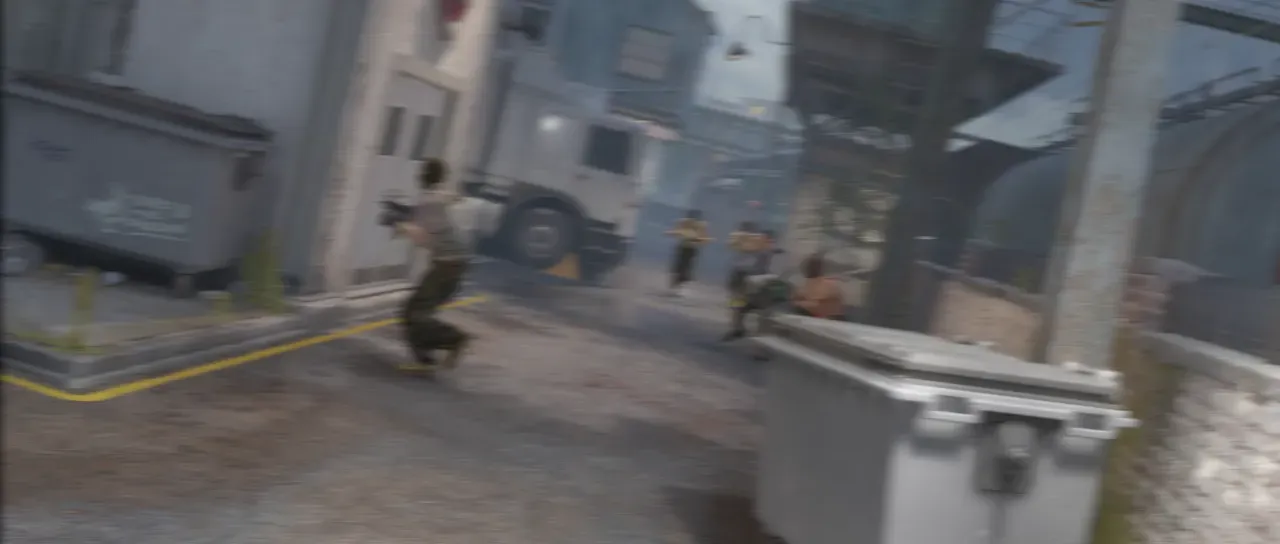
Section titled “What it does”The expensive, physically correct motion blur. It renders the composition beneath it multiple times within a frame, then averages the results to generate the motion blur. Footage is sampled between its frames as well, so a clip playing under the effect blurs along with anything animated over it. On a footage layer itself it blurs the motion inside that clip, and the motion blur switch adds the layer’s own movement on top. Every sample is a full render of everything below, so 8 samples is 8 times the work of the frame, and playback will drop frames. For blurring only the motion inside footage, Motion blur does that in one pass.
Parameters
Section titled “Parameters”| Parameter | Control | Range | Default | Unit |
|---|---|---|---|---|
| Samples | Slider | 2 to 32; up to 64 | 8 | - |
| Shutter angle | Slider | 0 to 720 | 180 | Degrees |
| Shutter phase | Slider | -360 to 360; down to -720 and up to 720 | -90 | Degrees |
| Force on all layers | Checkbox | On or off | Off | - |
| Mix | Slider | 0 to 100 | 100 | Per cent |
| Blend | Dropdown | Normal · Darken · Multiply · Colour burn · Linear burn · Darker colour · Add · Lighten · Screen · Colour dodge · Lighter colour · Overlay · Soft light · Hard light · Linear light · Vivid light · Pin light · Hard mix · Difference · Exclusion · Subtract · Divide · Hue · Saturation · Colour · Luminosity | Normal | - |
| Matte | Layer | Any layer in the composition | None | - |
| Invert | Checkbox | On or off | Off | - |
| Channel | Dropdown | Luminance · Alpha · Red · Green · Blue | Luminance | - |
In the Effect Controls panel:
- Matte scales Shutter angle per pixel: the open shutter shrinks toward the frame’s own moment where the matte is dark, so part of the picture is blurred over half a frame and part is not blurred at all. Invert reads that matte inverted.
What each control does
Section titled “What each control does”- Samples is how many times the scene below is rendered per frame at equal offsets.
- Shutter angle says how much of the frame the shutter is open for.
- Shutter phase places the open window relative to the frame’s own moment.
- Force on all layers enables every layer’s own transform motion blur for the duration of each sample render, using this effect’s shutter settings.
- Mix: how much of the result replaces the original.
- Matte and Invert drive the strength of the effect from another layer’s brightness; see Effects.