
Reference / Effects / Blur & sharpen
Updated
Depth of field
Depth of field is a Blur & sharpen effect.

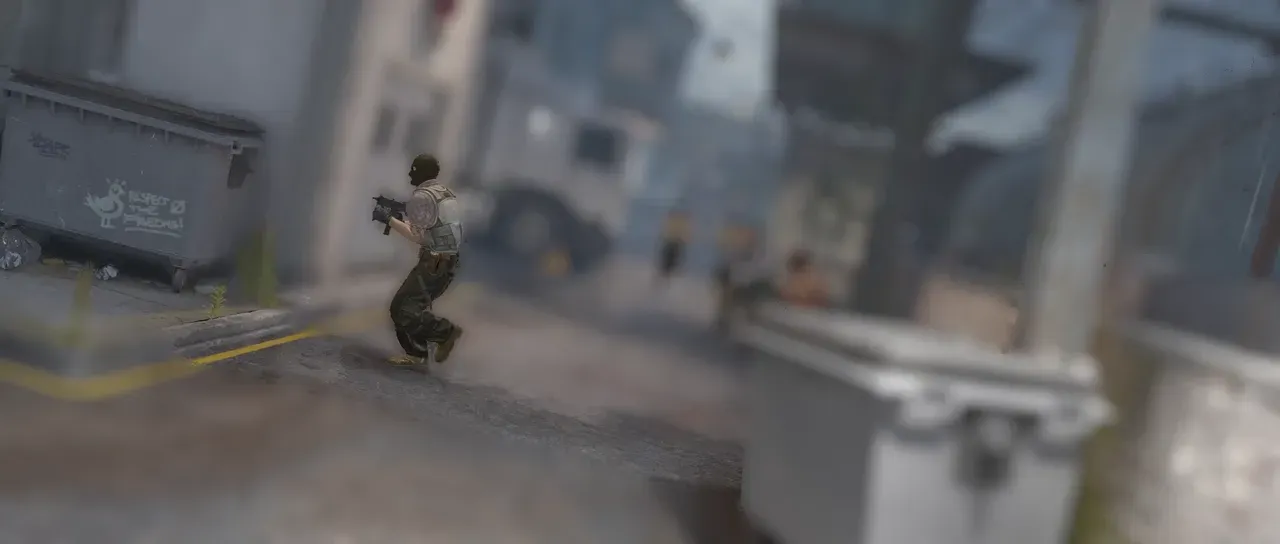
What it does
Section titled “What it does”A blur whose strength changes per pixel, driven by a depth pass: a second layer whose brightness is used to determine distance from the camera. Pixels at the focus distance remain sharp. Everything either side of that value blurs.
Parameters
Section titled “Parameters”| Parameter | Control | Range | Default | Unit |
|---|---|---|---|---|
| Matte | Layer | Any layer in the composition | None | - |
| Invert | Checkbox | On or off | Off | - |
| Focus distance | Slider | 0 to 1 | 0.5 | - |
| Use focus point | Checkbox | On or off | Off | - |
| Focus point x | Slider | 0 to 3840; any value by typing | 960 | Pixels at composition size |
| Focus point y | Slider | 0 to 2160; any value by typing | 540 | Pixels at composition size |
| Focus range | Slider | 0 to 1 | 0.1 | - |
| Aperture | Slider | 0 to 40; higher | 8 | - |
| Near blur | Slider | 0 to 40; higher | 8 | Pixels at composition size |
| Far blur | Slider | 0 to 40; higher | 8 | Pixels at composition size |
| Blades | Slider, whole numbers | 3 to 8 | 6 | - |
| Roundness | Slider | -1 to 1 | 1 | - |
| Rotation | Dial | Any angle; snaps every 15° while a modifier is held | 0° | Degrees |
| Aspect ratio | Slider | -1 to 1 | 0 | - |
| Rim brightness | Slider | -1 to 1 | 0 | - |
| Highlight threshold | Slider | 0 to 4; higher | 1 | - |
| Highlight exposure | Slider | 0 to 30; down to -30 | 0 | - |
| Depth channel | Dropdown | Luminance · Alpha · Red · Green · Blue | Luminance | - |
| Gamma | Slider | -10 to 10 | 0 | - |
| Remove edge leak | Slider | 0 to 1 | 0 | - |
| Detect edge threshold | Slider | 0 to 1 | 0.1 | - |
| Repeat edge pixels | Checkbox | On or off | On | - |
| Display | Dropdown | Rendered · Depth map · Focus map | Rendered | - |
| Zebra | Checkbox | On or off | Off | - |
| Mix | Slider | 0 to 100 | 100 | Per cent |
| Blend | Dropdown | Normal · Darken · Multiply · Colour burn · Linear burn · Darker colour · Add · Lighten · Screen · Colour dodge · Lighter colour · Overlay · Soft light · Hard light · Linear light · Vivid light · Pin light · Hard mix · Difference · Exclusion · Subtract · Divide · Hue · Saturation · Colour · Luminosity | Normal | - |
In the Effect Controls panel:
- Iris groups Blades, Roundness, Rotation, Aspect ratio, Rim brightness, and starts closed.
- Highlights groups Highlight threshold, Highlight exposure, and starts closed.
- Depth map groups Depth channel, Gamma, Remove edge leak, Detect edge threshold, and starts closed.
- Focus distance is editable while Use focus point is off.
- Focus point x is editable while Use focus point is on.
- Focus point y is editable while Use focus point is on.
- Depth channel is editable while Matte names a layer.
- Use focus point is editable while Matte names a layer.
- Remove edge leak is editable while Matte names a layer.
- Detect edge threshold is editable while Matte names a layer.
- Matte a depth pass, not a strength: its luma is how far away each pixel is, and the blur widens with the distance from the focus depth — so a mid-grey matte can be perfectly sharp. Invert reads that matte inverted.
What each control does
Section titled “What each control does”- Matte is the depth pass.
- Focus distance picks which colour value is in focus.
- Use focus point with Focus point x and Focus point y read the depth value at a specific spot and focus there.
- Focus range is the area around the focus point which stays sharp before the blur begins.
- Aperture is the main scale for both near and far blur.
- Near blur and Far blur scale the near and far blur separately.
The Iris group shapes the blur:
- Blades is how many straight edges the aperture has.
- Roundness: changes how round the iris appears.
- Rotation rotates the iris.
- Aspect ratio squeezes the iris.
- Rim brightness: adjusts whether the lightness is evenly distributed, or towards the centre or edge.
The Highlights group alters highlights:
- Highlight threshold is the brightness a pixel must pass to be treated as a highlight rather than as ordinary picture.
- Highlight exposure sets how hard those blurred highlights bloom.
The Depth map group alters information about how the depth pass is read:
- Depth channel selects the channel to use as the matte.
- Invert inverts the depth pass before applying blur.
- Gamma is the same as applying the gamma effect to the depth layer.
- Remove edge leak and Detect edge threshold suppress haloes where a near object is next to a far one.
Additional properties:
- Repeat edge pixels holds the outermost pixel where the blur reaches past the frame.
- Display is a diagnostic view. Depth map shows what the effect reads; Focus map shows white where the picture is kept sharp. In a node graph each view is also an output socket on the box.
- Zebra draws stripes over what is in focus. They are part of the picture, in exports too.
- Mix: how much of the result replaces the original.